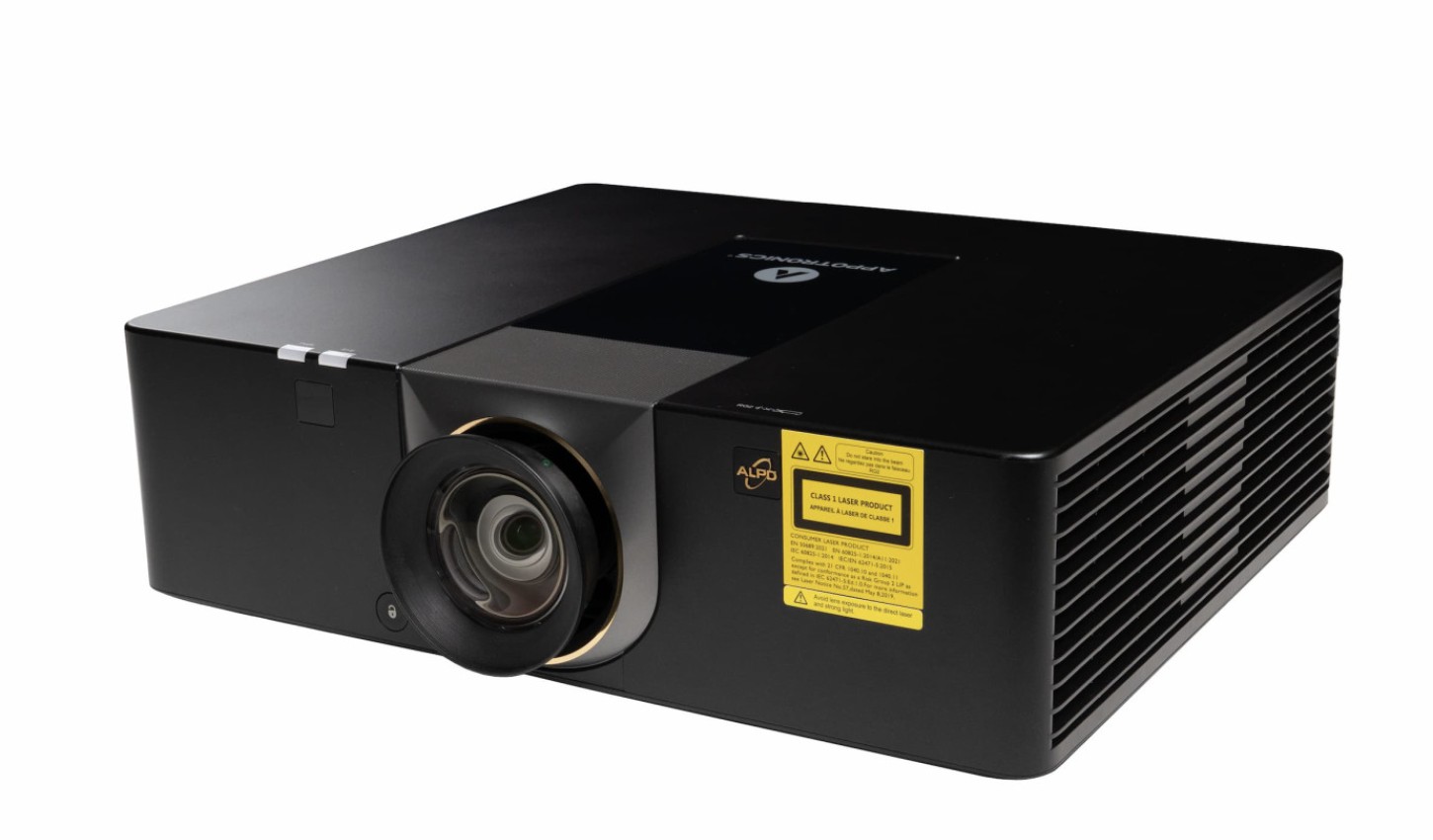
Short-throw, 4K, and ultra-short-throw projectors from BenQ, Epson, LG, and Appotronics — golf-mode color tuning, low input lag, and throw ratios built for tight simulator rooms. Genuine parts at real retail pricing, no markup.
Not sure which projector fits your room? Book a free consult and we'll help you land on the right throw distance and brightness — no pressure, no upsell script.
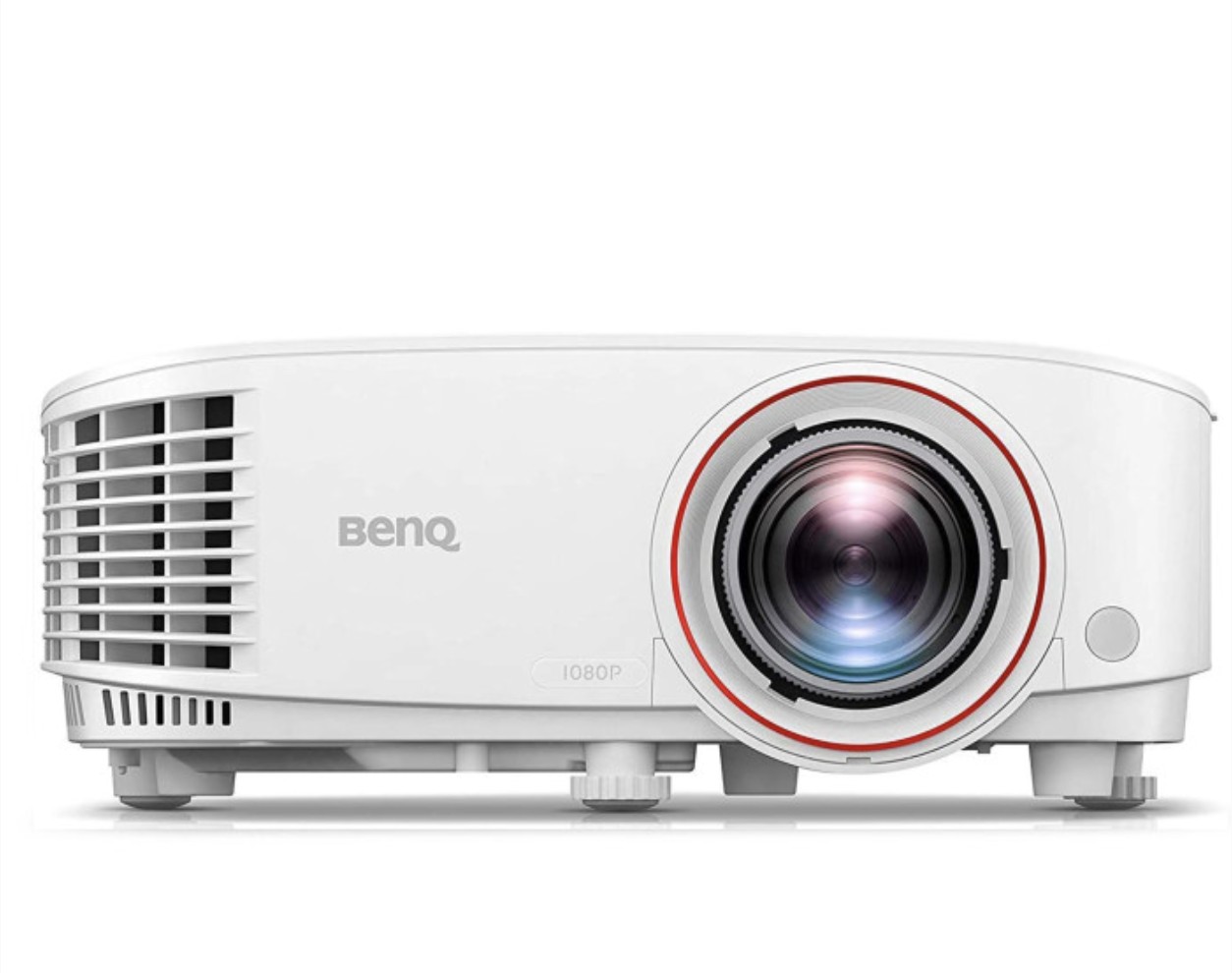
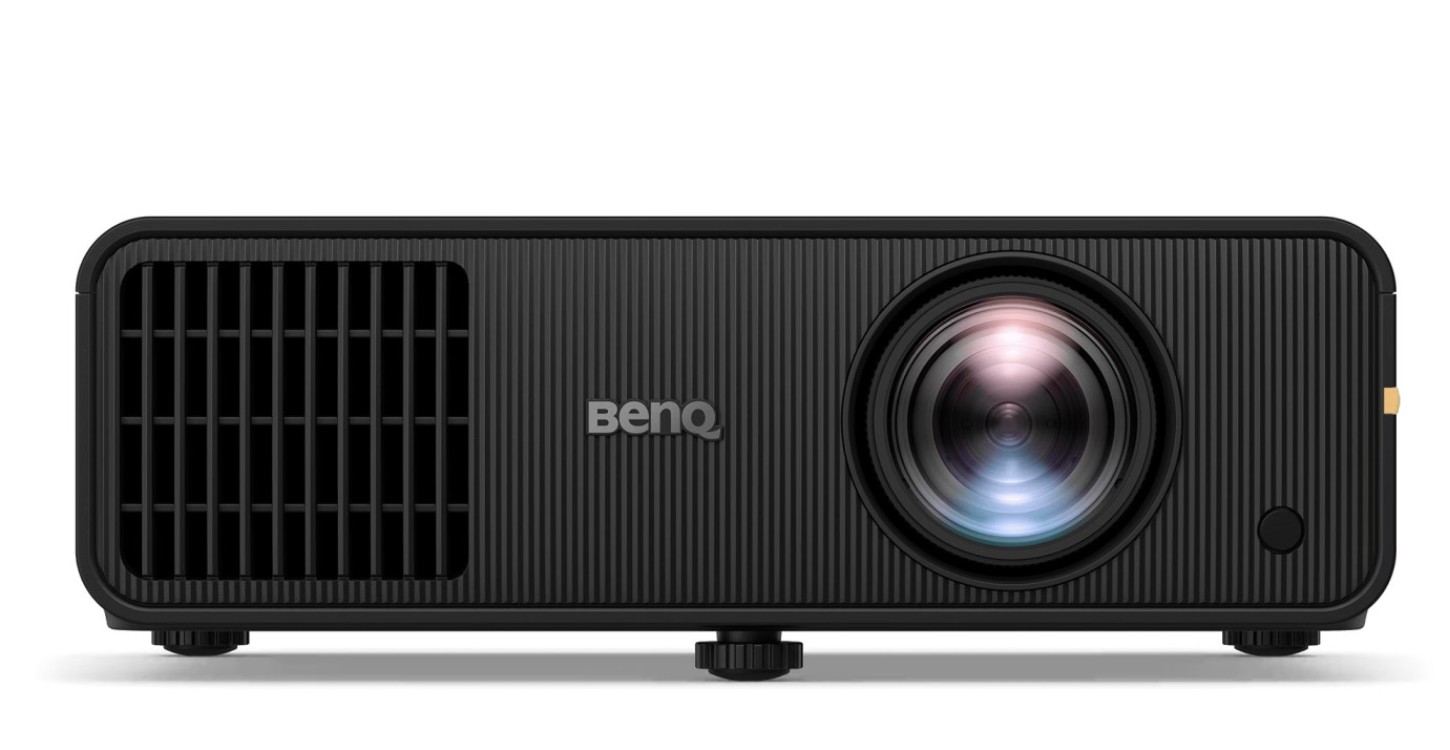
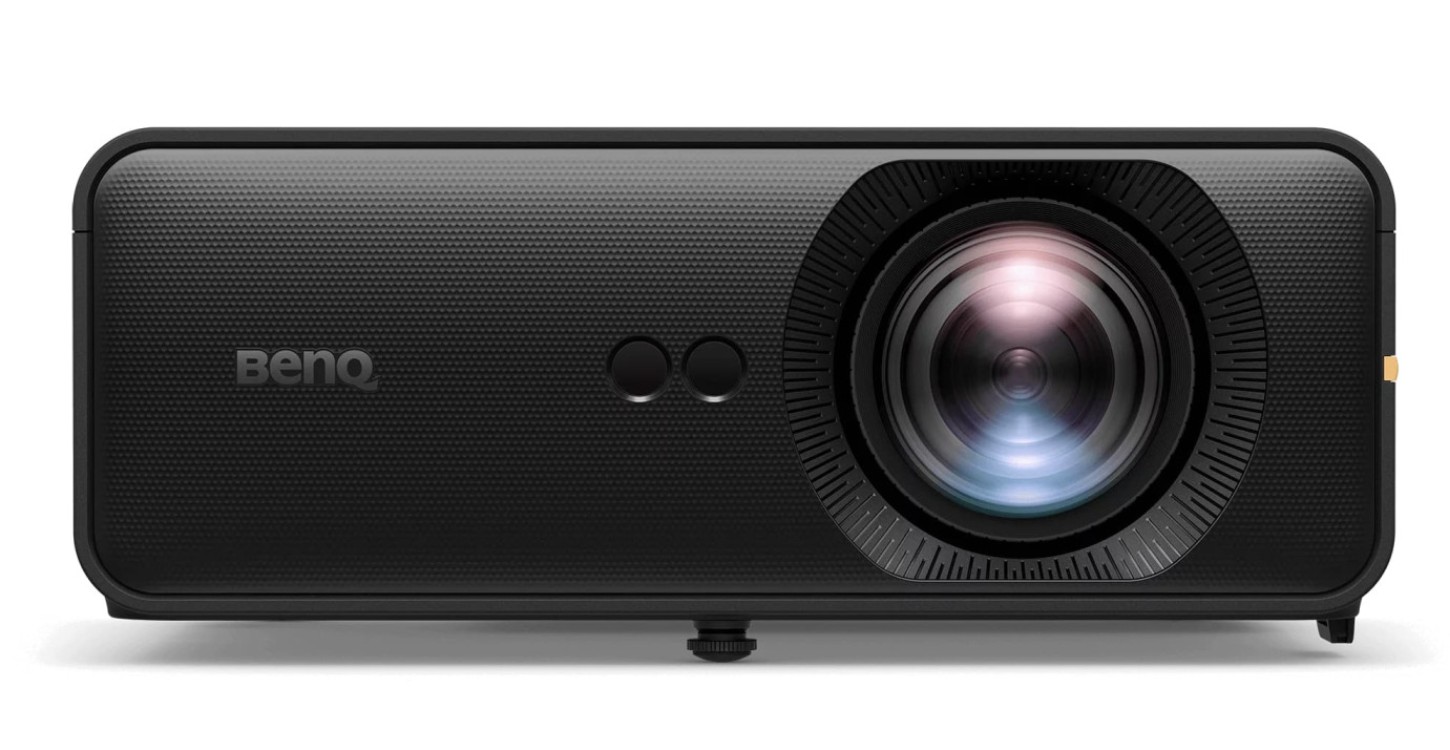
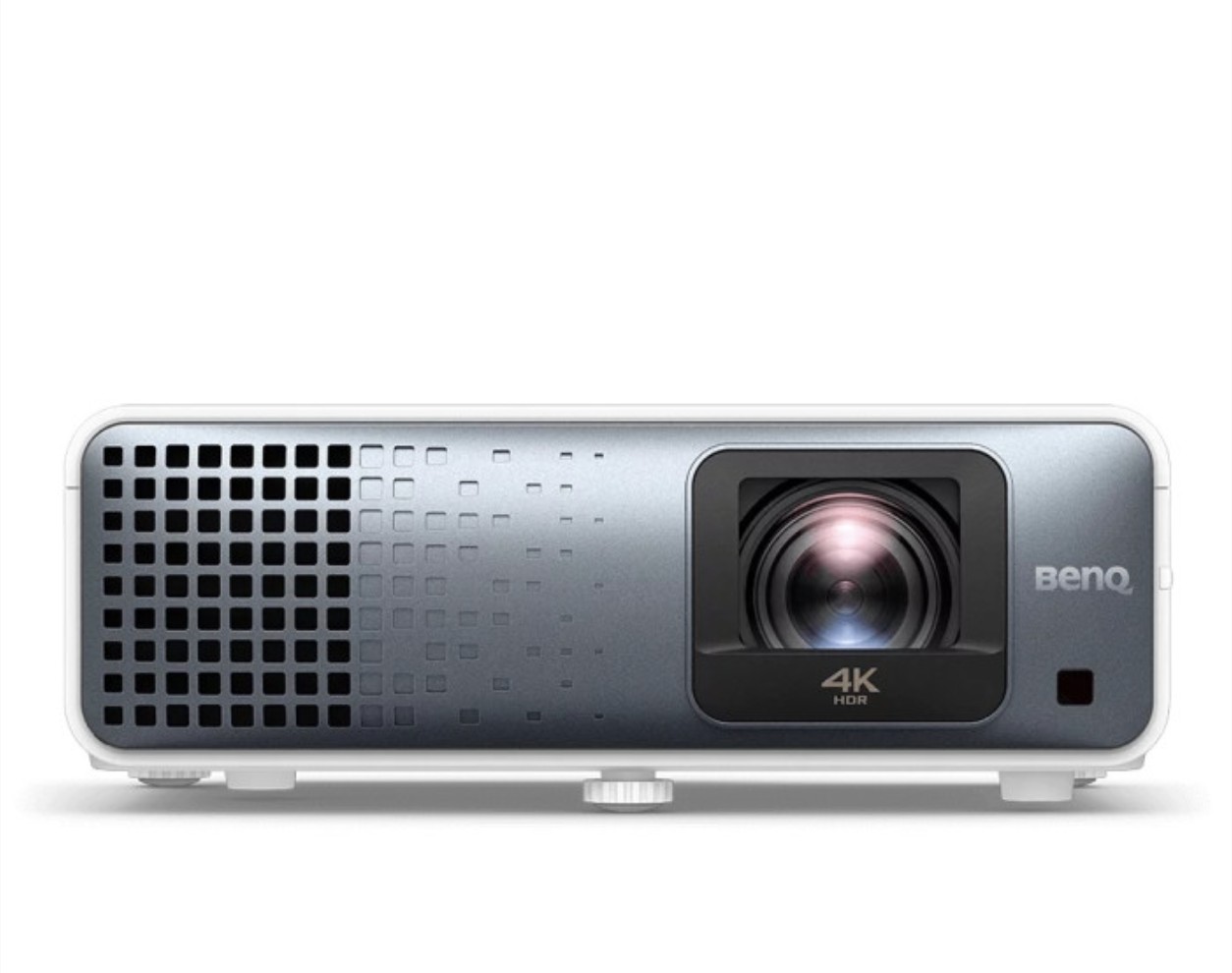
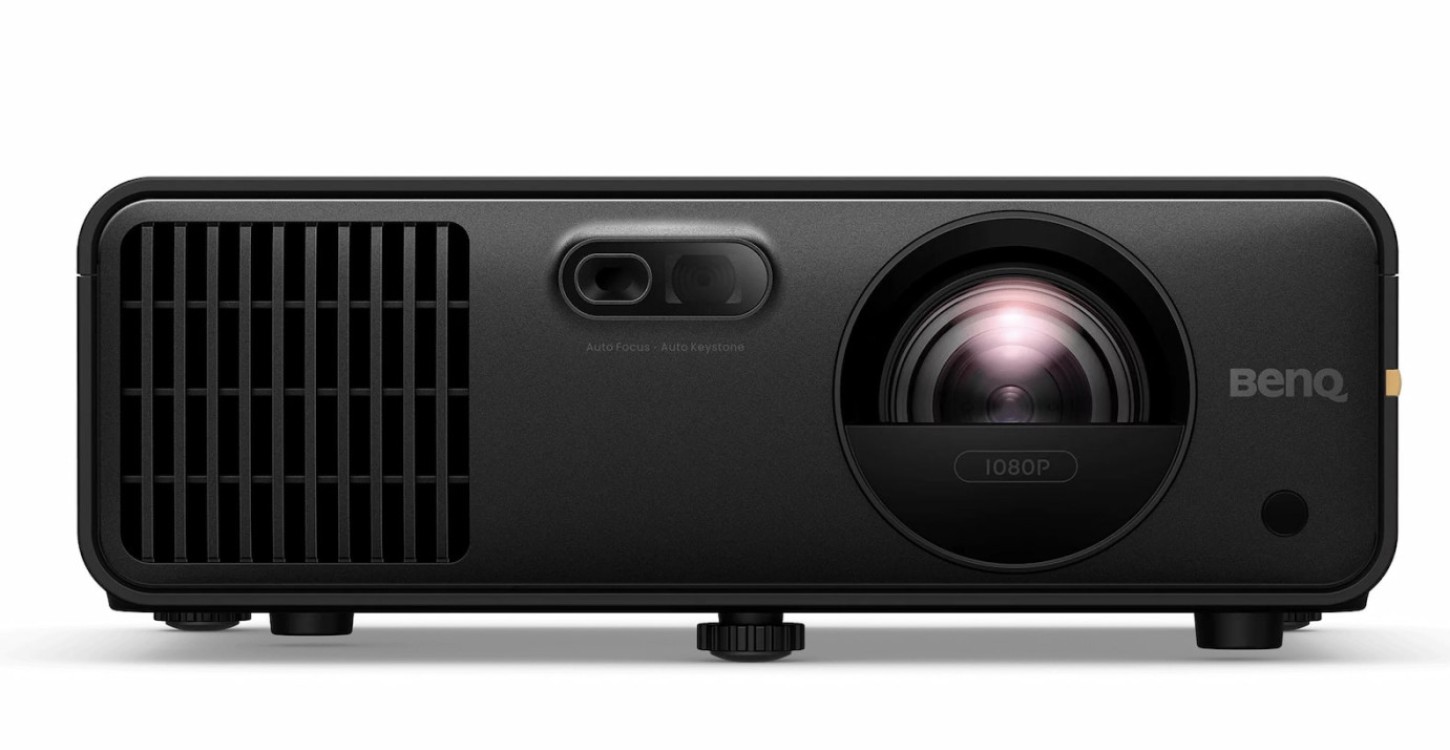
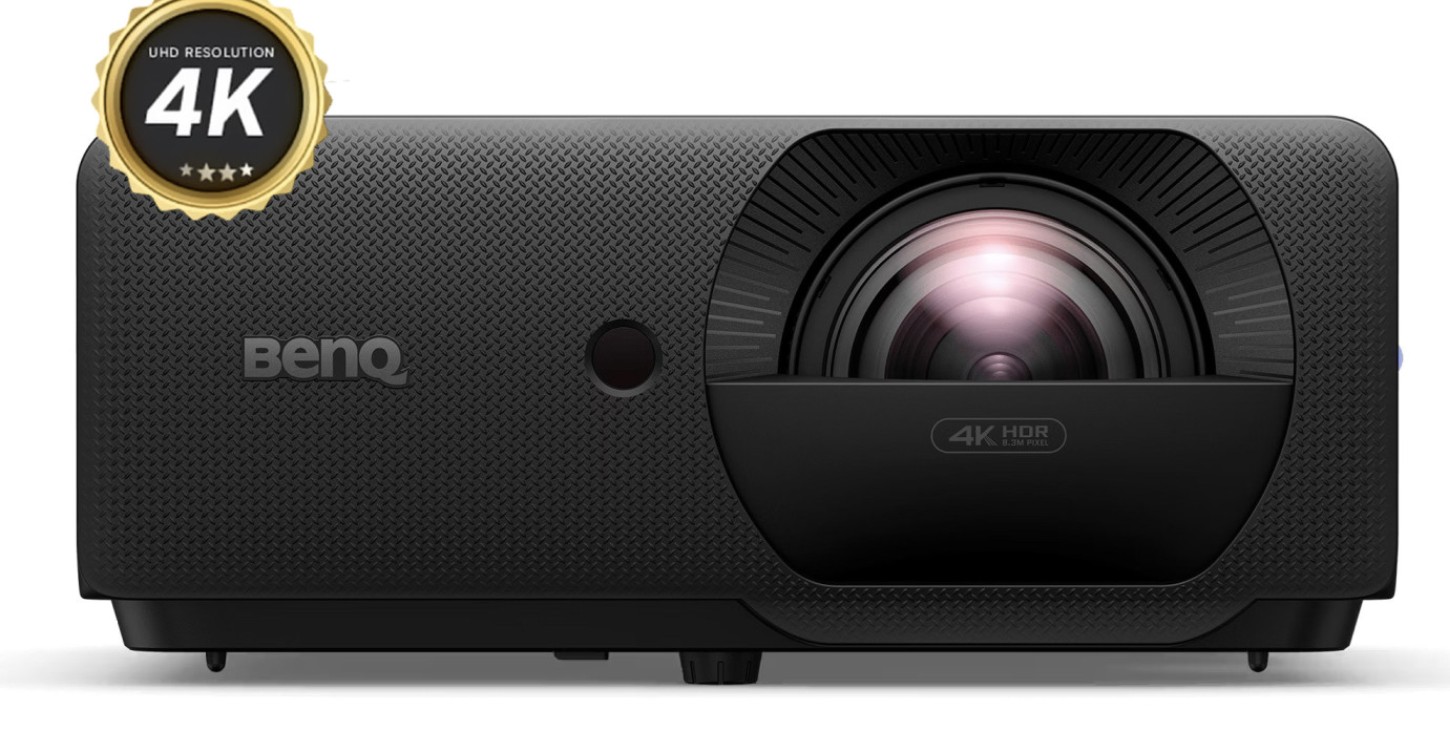
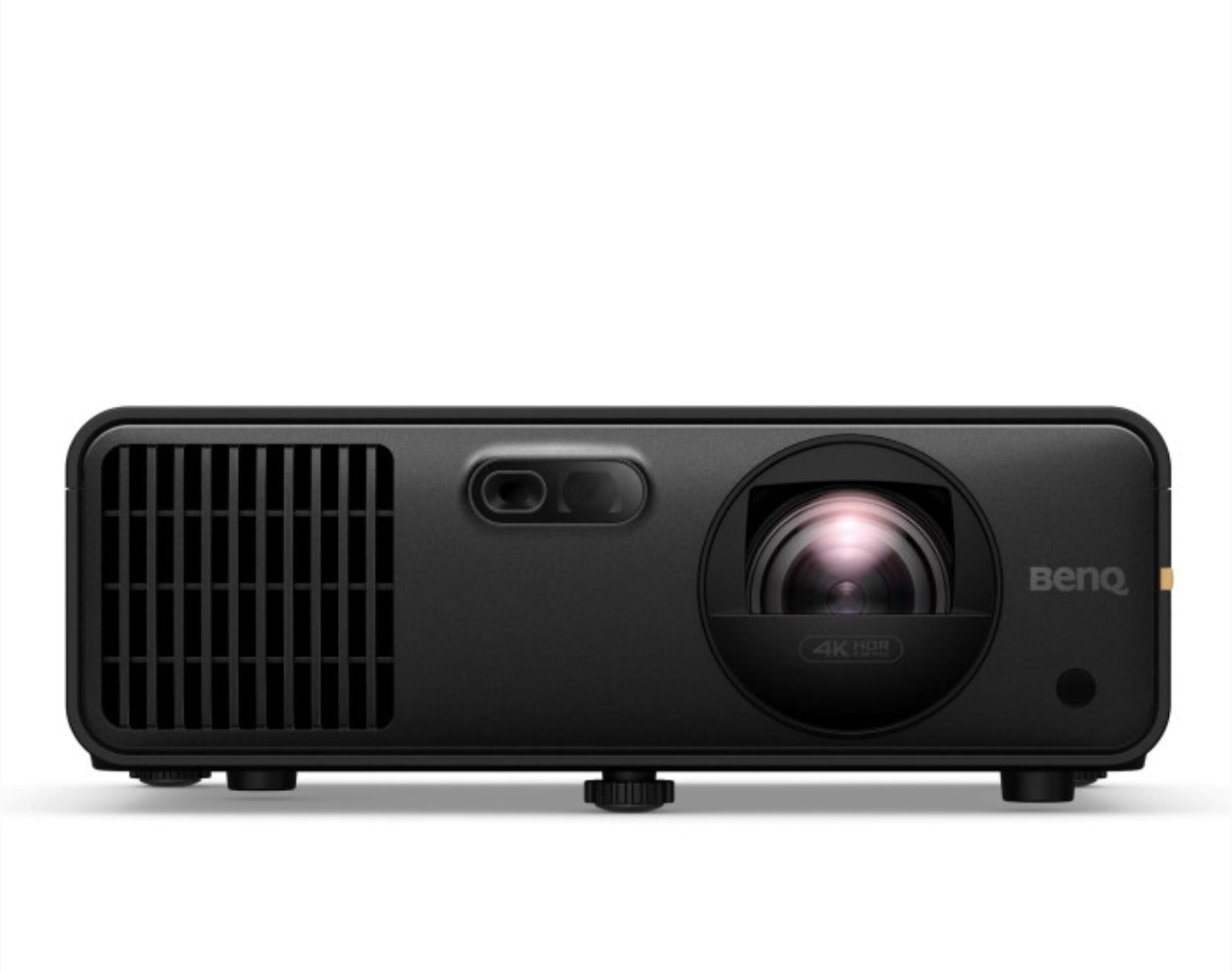
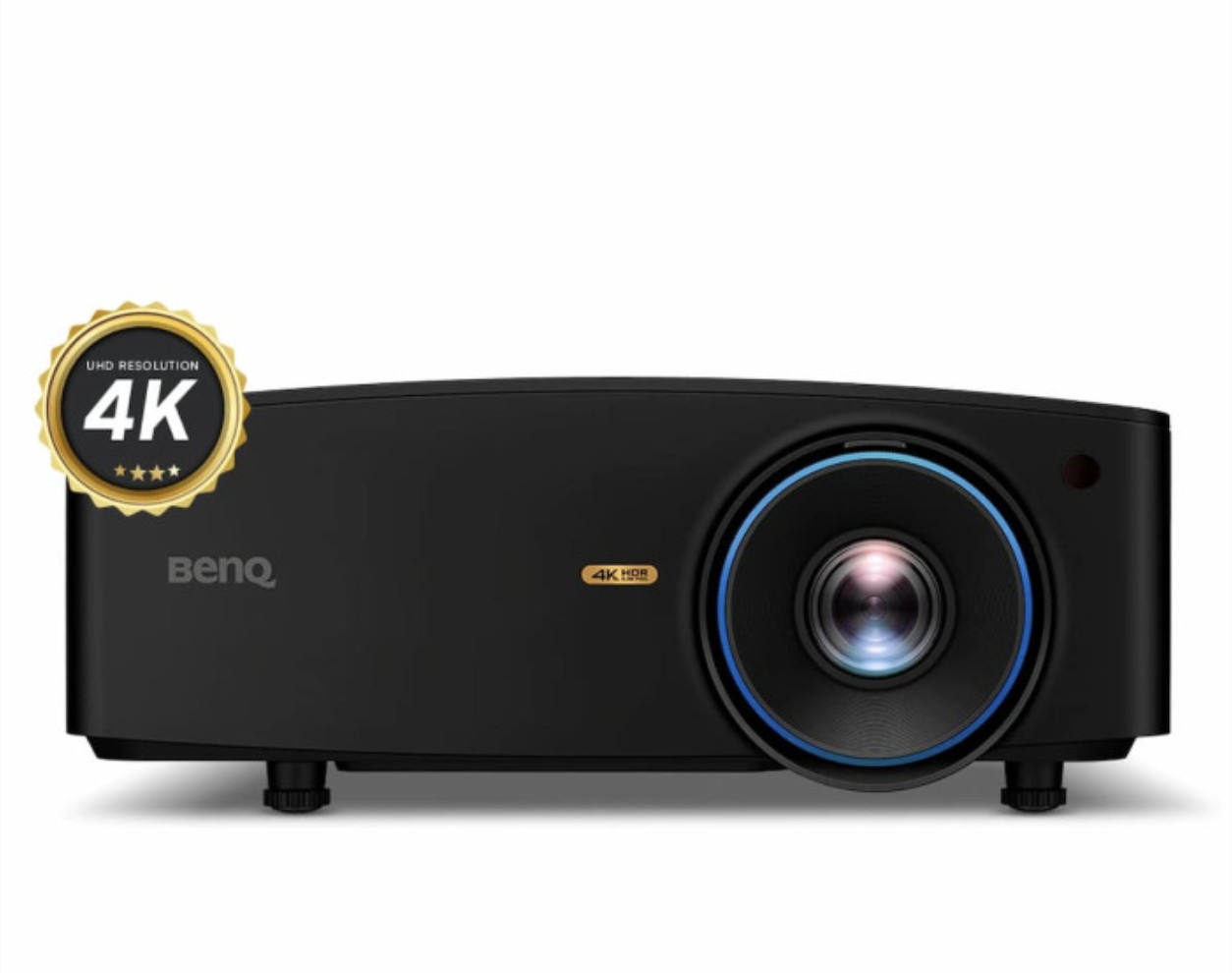
Offline sales only
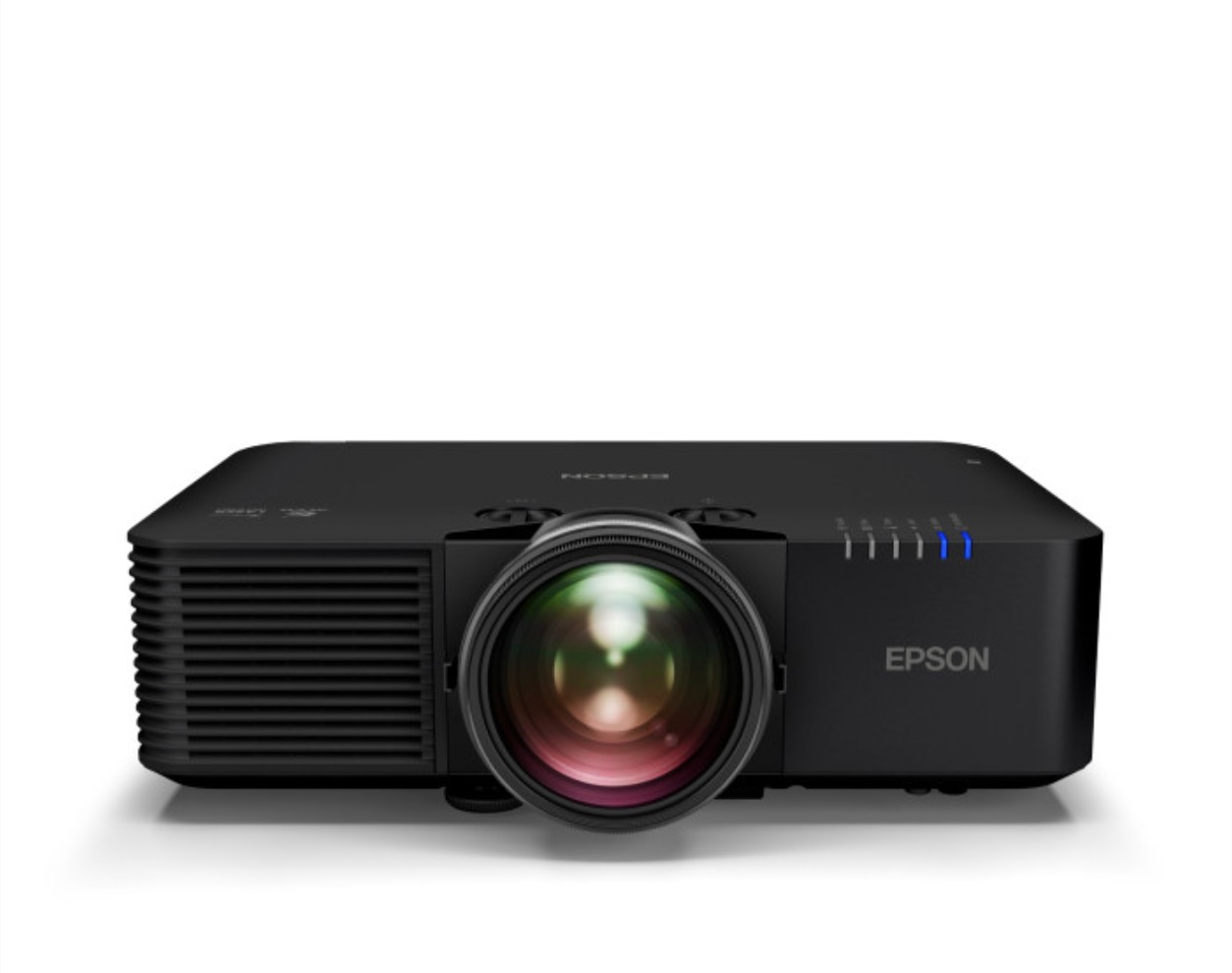
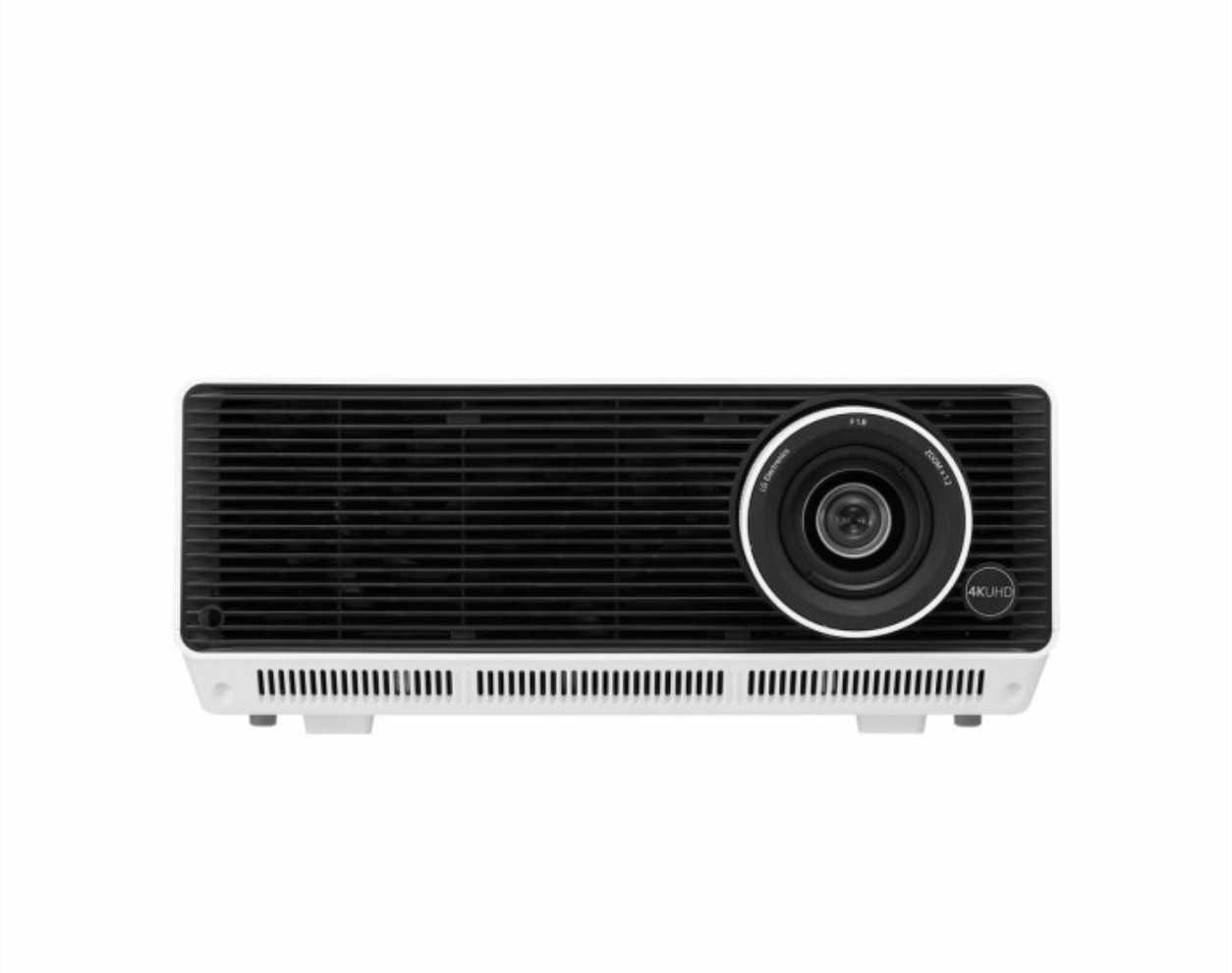
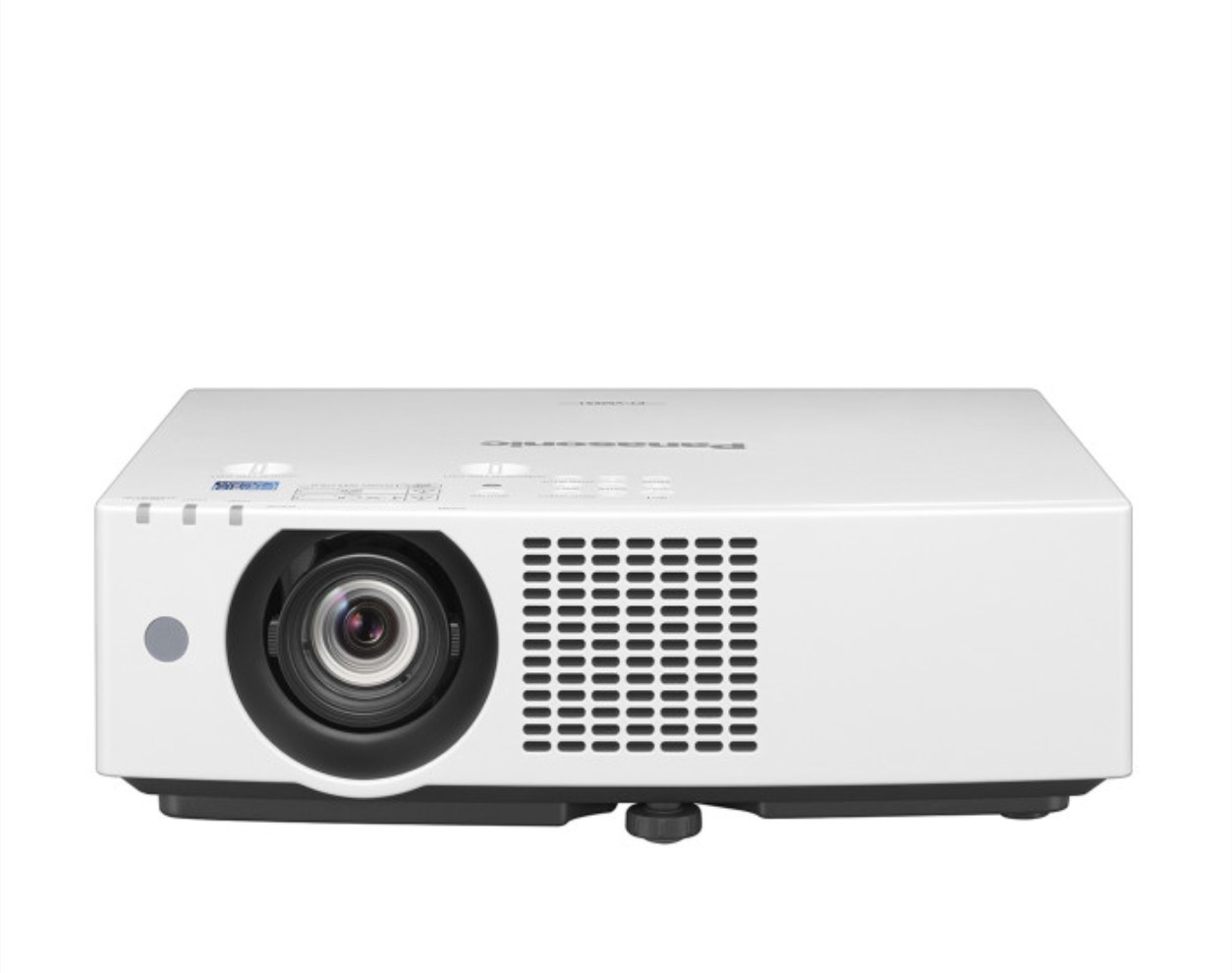
Throw distance is how far back the projector needs to sit from the screen to fill it with a full-size image. Short-throw units need a few feet of clearance behind them, while ultra-short-throw units can sit just inches from the screen — which matters a lot in a tight garage or basement bay where a standard projector's throw distance simply won't fit.
Not strictly, but it makes a real difference in how sharp the course graphics and ball flight data look, especially on larger screens. If budget allows, 4K is worth it for the visual experience; if not, a quality 1080p short-throw unit still performs perfectly well for tracking your shots and playing courses.
It refers to a picture preset tuned for the greens, blues, and skin tones typical of golf course footage, rather than a generic movie or office preset. It's a small thing, but it meaningfully improves how realistic the course looks compared to running a projector on default settings.
Input lag is the delay between your launch monitor sending ball flight data and the projector actually displaying it. High lag makes the simulation feel disconnected from your swing — you hit the ball, then wait a beat before you see it fly. Golf-specific and gaming-oriented projectors are built to minimize this.
Yes, and it's actually the more common setup for a permanent simulator bay — it keeps the hitting area completely clear and out of your swing path. Most of the projectors we carry support standard ceiling mount hardware; we can help you figure out the right mount and offset for your specific room.
 My Golf